
Security System Installation in Houston
Custom security systems since 2005. HD cameras, motion detection & smart home integration. Serving Houston and surrounding areas. BBB A+ rated. Free quote!
Request a quote.
Home security system installation from an electrician
A security system is cameras, sensors and lights that all need power, wiring and a plan. Having an electrician install it means the hardware and the wiring are done as one job.
Planning camera coverage around the house
A good security camera installation starts with a walk around the property. We look at the front door, driveway, side gates, back door and garage, and at where someone could approach without being seen. Then we place cameras so their views overlap at the entries, with no blind spots right beside the house. Fewer cameras in the right places beat many cameras pointed at the lawn.
Wired vs wireless security cameras
Wireless cameras send video over Wi-Fi, but most still need power, and battery models need regular charging. Hardwired cameras get power and data through one cable and keep recording without a battery to run down. Wired cameras are steadier in a large house where Wi-Fi is weak at the far corners. Many homes use a mix, and we help you decide which spots need a wired camera.
Mounting heights, angles and weatherproofing
Cameras mounted too high see only the tops of heads, and cameras mounted too low are easy to knock aside. We set the height and angle so faces and plates are visible, and we seal every hole through the siding, brick or soffit. In Houston rain and humidity, an unsealed cable entry lets water into the wall and the camera.
Security camera power and wiring
Most camera problems trace back to power. A camera that drops offline at night or reboots in a storm is often a wiring issue, not a bad camera.
Running cable to cameras in eaves and soffits
Most outdoor cameras mount under the eaves, where the cable can run through the attic and drop straight into the camera base. That keeps the cable hidden and out of the weather. We fish cable through finished walls and soffits when needed, and we keep low voltage camera cable separate from household wiring where the code calls for it. Each cable entry is sealed to keep out water.
Power over Ethernet camera wiring
Many wired cameras use Power over Ethernet, which sends power and video over one network cable. Each cable runs back to a recorder or a powered network switch in a central spot, such as a closet or the garage. The cable runs have to be planned, labeled and protected so a camera can be added or swapped later without starting over.
Outlets for cameras, recorders and hubs
Plug-in cameras, video recorders, hubs and network gear all need a reliable outlet in the right spot. We add outlets in the attic, garage, closet or under the eaves, with weatherproof covers outdoors and GFCI protection where it is required. That beats running extension cords to the recorder. Each outlet goes on a circuit that can carry the load, and we label it at the panel so it is easy to find later.
Keeping the system running in a storm or outage
A security system that goes dark in a power outage is not much help. Surge protection protects cameras and recorders from lightning and utility spikes. A battery backup keeps the recorder and network running through short outages. For longer outages, a home standby generator can keep the whole system powered. We can talk through which of these makes sense for your house and how much of the system you want to keep running.
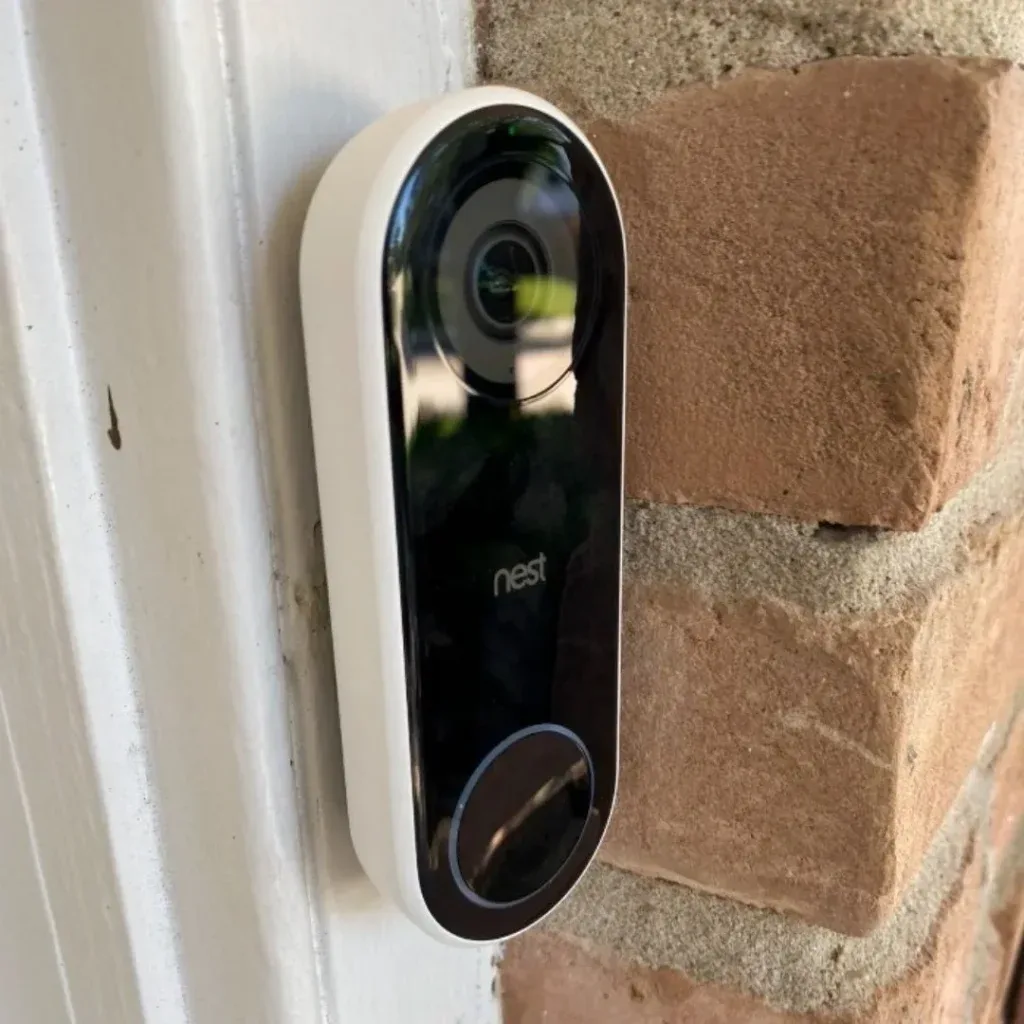
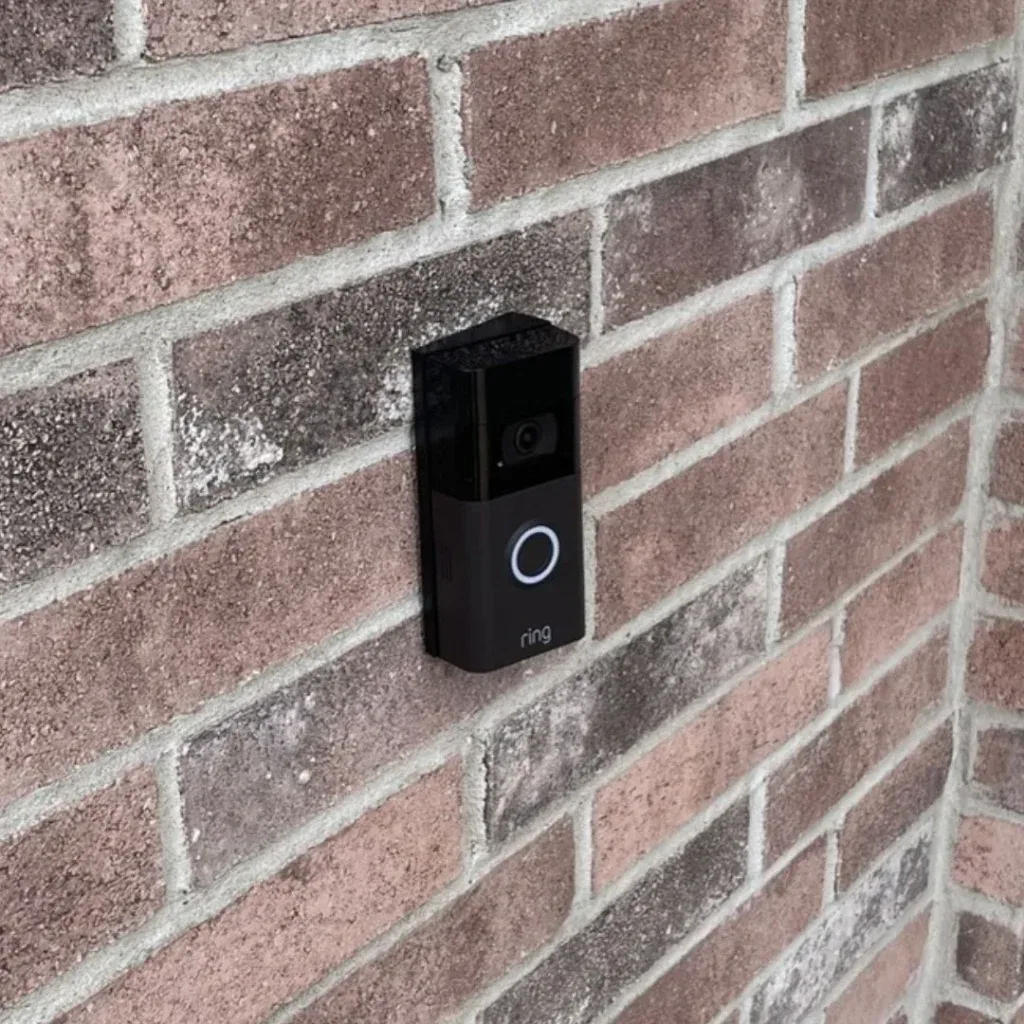
Video doorbell installation and wiring
A video doorbell is often the first piece of a security system. It is also the one most likely to give trouble when the old doorbell wiring is not up to it.
Hardwired video doorbell installation
A hardwired video doorbell uses the existing doorbell wires for power, so it never needs a battery charge. It needs a doorbell transformer strong enough for the camera, and many older transformers are too weak. We check the transformer and the chime, replace what is needed and mount the doorbell level and sealed at the door. We also make sure the chime still rings inside the house.
Video doorbell not working or keeps restarting
A video doorbell that restarts, drops offline or will not charge is usually short on power. Common causes are an undersized transformer, a loose connection at the chime or a damaged wire run. We test the voltage at the doorbell and the transformer, find the weak spot and fix it at the source. Replacing the doorbell itself rarely fixes a power problem, so we check the wiring first.
Adding a doorbell where there was none
Some side and back doors never had a doorbell. We can run new low voltage wire and add a transformer so a video doorbell or camera at that door is hardwired, not battery-powered. That gives you coverage at an entry that is often less visible than the front door. The wire is hidden in the wall where possible, and the transformer is mounted in a spot that is easy to reach if it ever needs service.
Security lighting that works with your cameras
Cameras need light to see clearly at night, and lights need to be placed so they help the camera instead of blinding it.
Lighting for better camera footage at night
Most cameras switch to infrared at night and record in black and white. With steady light on the area, many cameras can stay in color and capture faces and clothing more clearly. We place security lighting at entries, gates and the driveway so the areas your cameras watch are lit evenly. Steady, even light often works better than a single harsh flood that blinds the camera and the neighbors.
Keeping flood lights out of the camera lens
A flood light aimed toward a camera washes out the picture, and a light mounted right next to a camera can bounce infrared off the eave and blur the view at night. We place lights and cameras together, so the light falls on the scene and the camera looks across it, not into it. We also check the view after dark, since a camera that looks fine by day can wash out at night.
Motion sensor lights as part of the system
A motion sensor light that switches on when someone approaches gets attention and gives the camera more light at the moment it matters. Some systems can link motion lights and cameras so either one triggers a recording or an alert. We wire the lights so you can still switch them on by hand. We set the sensors so they cover the same areas the cameras watch.
Motion detection, remote viewing and smart home integration
Modern security systems are as much software as hardware. The electrical work underneath decides whether the smart features work every day.
Motion detection and alerts that make sense
Motion alerts are only useful when they are not constant. Camera placement, detection zones and sensitivity settings all decide whether you get an alert for a person at the door or for every passing car. We set up the cameras and zones at install so the alerts are worth reading. We also show you how to adjust them yourself, so you can change the zones when something in the yard changes, such as a new fence or a parked trailer.
Viewing your cameras remotely
Most systems let you see live video and recordings on your phone from anywhere. That depends on a solid connection between the cameras, the recorder and your network. We make sure the hardware is installed and connected, then walk you through the app so you know how to check on the house. If the Wi-Fi is weak where the recorder sits, we point that out so it can be fixed.
Smart locks, switches and lights
Smart home integration ties cameras to other devices, such as smart locks, smart switches and lighting schedules. A light can turn on with a motion alert, or the porch can light up when the doorbell rings. Many smart switches need a neutral wire in the box, so we check the wiring before you buy the hardware. That way the pieces work together from day one.
Security system installation cost and what a visit looks like
Here is what moves the price and how we put a plan together.
What drives security system installation cost
The cost depends on how many cameras and doorbells you want, whether they are wired or wireless, how far the cable has to run and how hard the walls and attic are to work in. Added outlets, a doorbell transformer, security lighting or surge protection add scope. Every house is different, so a free visit gets you a written estimate.
What happens at a security system visit
We walk the property with you and talk about what worries you most, whether that is packages, the driveway or a dark back gate. We look at where power and cable can run and where the recorder can live. Then you get a written estimate that spells out the cameras, wiring and lighting in plain English. We are happy to answer questions as we go.
DIY security cameras vs professional installation
A single battery camera or doorbell is a reasonable DIY project. Where DIY setups struggle is power, cable runs through finished walls, weatherproofing and coverage gaps. If you want a system that records reliably around the whole house, a professional install with proper wiring is worth it. Professional wiring also means fewer batteries to charge, fewer cameras dropping offline and a clean look on the outside of the house.
How it works.
- Tailored Solutions We understand that every property has unique security needs. Our team will work closely with you to install a customized security system that meets your specific requirements and budget.
- Professional Installation Our trained technicians have the expertise and experience to install security systems quickly and efficiently, ensuring proper placement and functionality for maximum effectiveness.
- Advanced Technology We can install security systems that provide cutting-edge equipment and features, including HD cameras, motion detection, remote monitoring, and smart home integration.
From first call to finished job.
Estimates are free. Phones open 24/7.